Your commemorative coin collection — smarter.
Identify a coin from a photo, track your collection, and discover every commemorative 2 € coin in Europe.
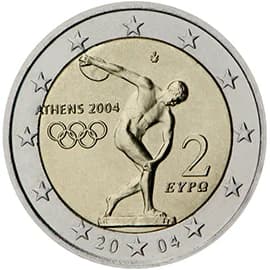
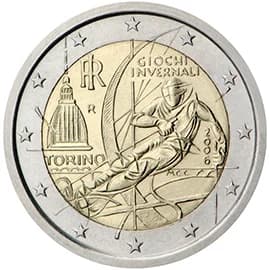
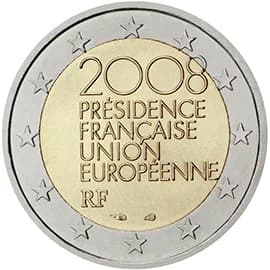
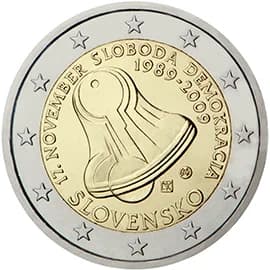
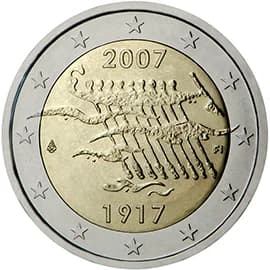
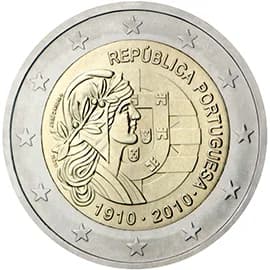
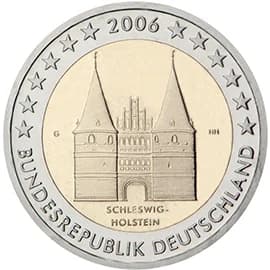
Identify a coin from a photo
Just snap a picture — we'll tell you which commemorative coin it is, where it's from, and how many were made.
Complete European catalog
Every commemorative 2 € coin from every eurozone country, organized by year and theme.
Your personal collection
Mark the coins you own and see which ones are still missing from your complete set.
In your language
The app speaks 23 EU languages. Change yours in the top corner anytime.
Access by invitation
mAIcoin is currently available by invitation only — an invitation is required to create an account.
Frequently asked questions
Everything you need to know about identifying and collecting commemorative 2 € coins with mAIcoin.
What is mAIcoin?
mAIcoin is a smart numismatist for commemorative 2 € coins. Snap a photo and AI identifies the coin, tells you where and when it was issued, and lets you add it to your personal collection — across a complete catalog of every eurozone country.
How do I identify a coin from a photo?
Open Identify a coin, drag in a photo or choose one from your device, and mAIcoin analyzes it and shows the most likely matches with a confidence score. Pick the right one and it is added to your collection in a tap.
What makes a good photo for identification?
Fill the frame with the coin, use even lighting, and avoid glare and heavy shadows. If the first result is not right, try again from a different angle or with sharper focus. JPEG, PNG and WebP are supported, and larger files are resized automatically.
Which coins can mAIcoin identify?
mAIcoin focuses on commemorative 2 € coins issued by eurozone countries. The catalog is sourced from the European Central Bank and organized by year, country and theme.
Is there a limit to how many coins I can scan?
Each account gets a set number of photo identifications per day, and your remaining scans are shown while you use the app. Limits reset every midnight (Bratislava time). If you need more, tap Request more scans and we will review it.
How do I track my collection?
Every coin you confirm is saved to My collection. You can see how complete your set is, browse by country or year, and switch between what you own and what you are still missing.
Do I need an account, and how do I sign up?
Yes — an account keeps your collection safe and synced across devices. mAIcoin is currently available by invitation only; with an invitation you can create an account and sign in with Google.
Can I use mAIcoin in my language?
Yes. The app is available in all 23 official EU languages. Change the language from the top corner at any time, and your choice is remembered on your account for next time.
Can I install mAIcoin on my phone?
Yes. mAIcoin is a progressive web app, so you can add it to your home screen from your browser and use it like a native app — no app store needed.
Is my data safe, and can I delete my account?
mAIcoin stores only what is needed to run your private collection and processes it under the GDPR. You can permanently delete your account and your entire collection at any time from the account menu — this cannot be undone.
An identification looks wrong — what can I do?
AI matches are suggestions, not appraisals. Retry with a clearer, glare-free photo or a different angle. For rare or ambiguous coins, treat the result as a starting point and verify against the catalog details.